myLSU Portal: Software Downloads
There may be broken links in this article, the GROK staff has been notified and is working to resolve the issue.
This article has not been updated recently and may contain dated material.
NOTE
If you are using a mobile device to access the myLSU portal, you may need to rotate your phone to landscape mode to access the menu.
General Information:
In the Tigerware section of the myLSU portal, a student or faculty member can find numerous different types of software available to them. Almost everything one could need on their computer to be a successful student or faculty member is available in this area. One can download software for Windows, Mac, or Linux operating systems.
To Access Software Downloads through the myLSU Portal:
1. Log into myLSU.
2. From the left panel, select Computing Services | Tigerware:
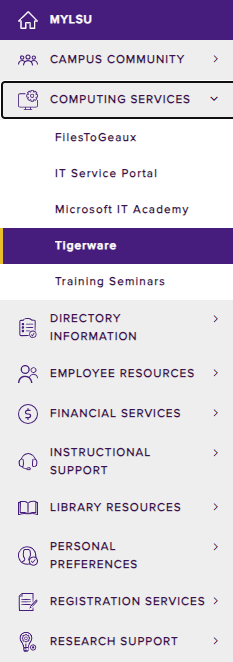
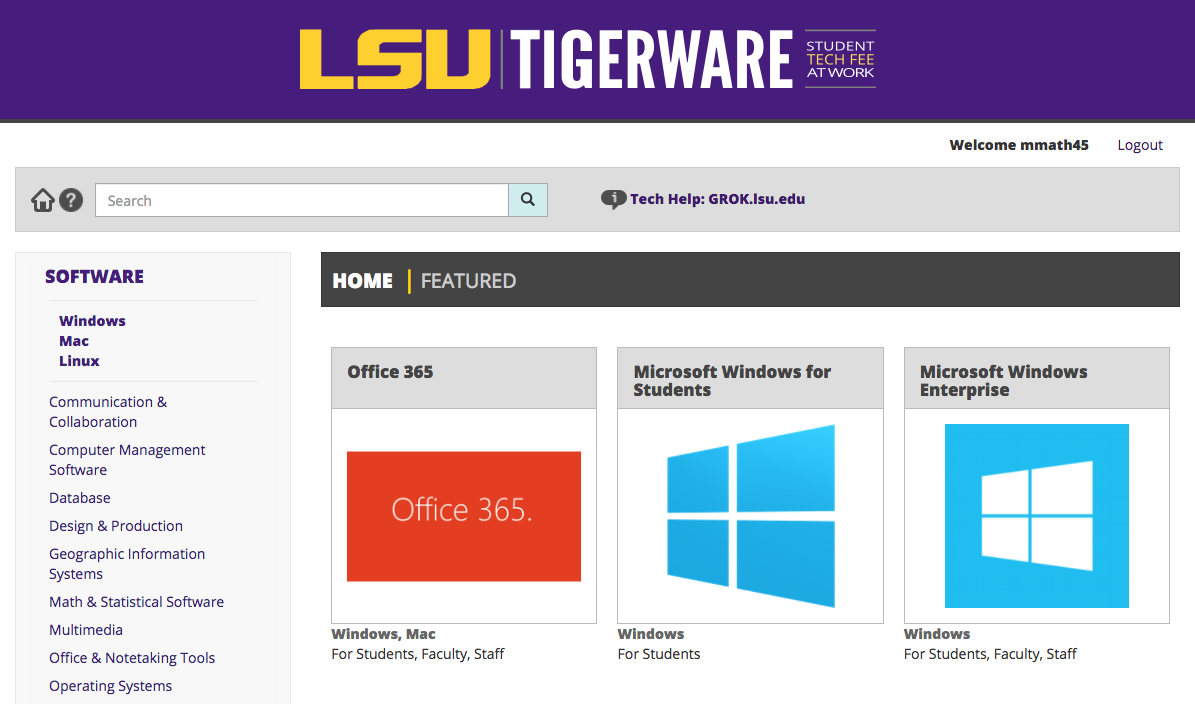
3. After clicking on Tigerware, a new window will open in your browser that will take you to the TigerWare official website.
15687
3/26/2025 10:28:44 AM